The mortgage payment is only part of the bill. Property tax, insurance, PMI, HOA dues, utilities and upkeep all land every month. This calculator adds them up, checks the result against common lender limits, and shows the year buying starts to beat renting.
Every step is laid out before you buy, so you can see how the real monthly cost adds up with screenshots from the real file. It also works hand in hand with our household budget planner.
What the True Cost of Homeownership Calculator does
- Monthly and first-year cost of owning: loan payment, PMI, property tax, insurance, HOA, utilities and maintenance
- Down payment, closing costs and property tax as dollars or a percent
- PMI and the estimated month it drops off
- Cash needed at closing and first-year interest vs principal
- Affordability check against the common 28% and 36% lender limits: Comfortable, Stretch or Over
- Estimated maximum home price at the ratio you pick
- 30 year rent vs buy table with the breakeven year and a plain-words summary
- Full loan schedule for loans up to 40 years
What's inside
7 tabs: Start Here, Dashboard, My Home, Affordability, Rent vs Buy, Amortization, Lists.
Who it's for
First-time buyers, people moving up, and anyone deciding whether to rent or buy.
What you get
Two spreadsheet files (.xlsx): one filled with examples so you can see exactly how it works, and a blank copy ready for your household. For Microsoft Excel and Google Sheets. No macros, no subscription.
The formulas are locked, so a stray keystroke can't break them. You only type in the yellow cells.
What you need to use it
- Microsoft Excel 2010 or newer, on Windows or Mac, including Microsoft 365
- Or Google Sheets in any web browser, free with a Google account
- A laptop or desktop works best for setup. Phones and tablets are fine for checking numbers and quick entries.
- No macros, add-ins or internet connection needed once it's downloaded. Apple Numbers isn't supported.
Every result is an estimate, not financial advice. Rates, prices and lender rules vary, so check big decisions with your lender or a financial professional.
Questions
Does it say what a lender will approve?
No. 28% and 36% are common lender limits, not a guarantee. Lenders also look at your credit and savings.
Can I use my own maintenance number?
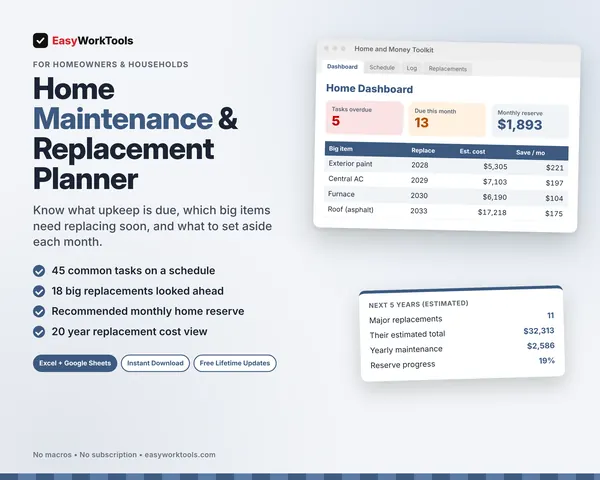
Yes. Paste the Recommended monthly home reserve from the Home Maintenance and Replacement Planner on My Home. It replaces the 1% rule.
Is there a blank version?
Yes. Every download has two files: one filled with examples so you can see how everything works, and a blank copy ready for your own household. Your rates and settings come filled in as a starting point, so change them to match yours.
Can I change the formulas?
The gray formula cells are locked so they can't be erased by accident. If you really want to change one, open Review in Excel and choose Unprotect Sheet. There's no password.
Does it work in Google Sheets?
Yes. Upload the file to Google Drive and open it with Google Sheets. The math works the same. Locks don't carry over, so just type in the yellow cells.
How do Free Lifetime Updates work?
Whenever we release a new version, you can download it free from your account, forever. We'll email you when there's something new.