Regular cleaning clients pay on different days, skip visits, change codes and slowly take longer than you priced. This tracker keeps the schedule, the money and the real hours together, so you spot the problems early.
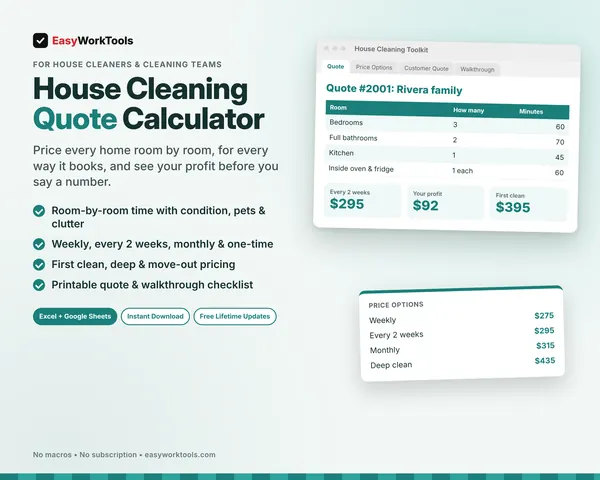
Nothing hidden here. You can read how the schedule and balances work right now, tab by tab. Pair it with our home cleaning quote calculator and both sides of the job are covered.
What the Cleaning Client & Schedule Tracker does
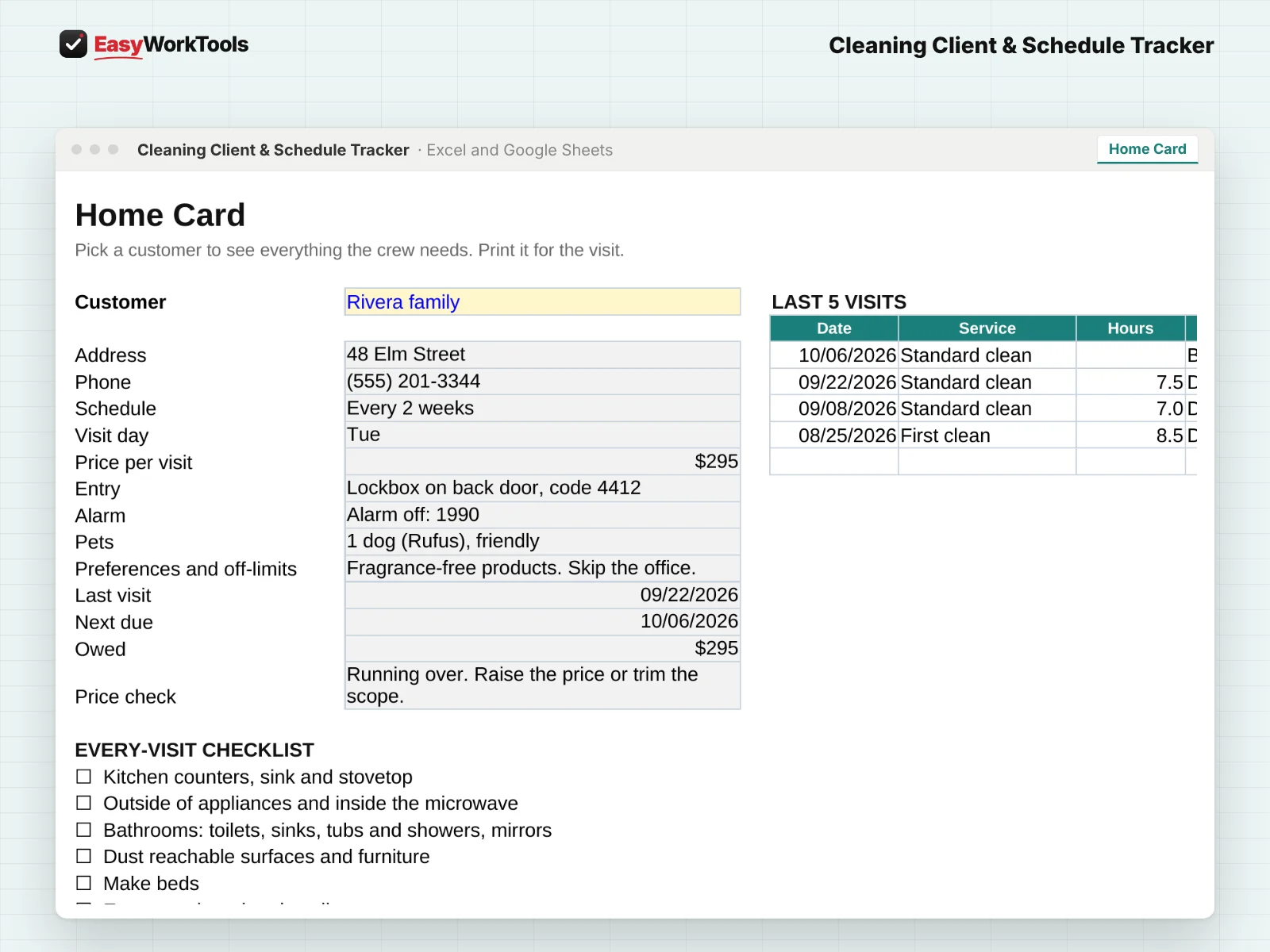
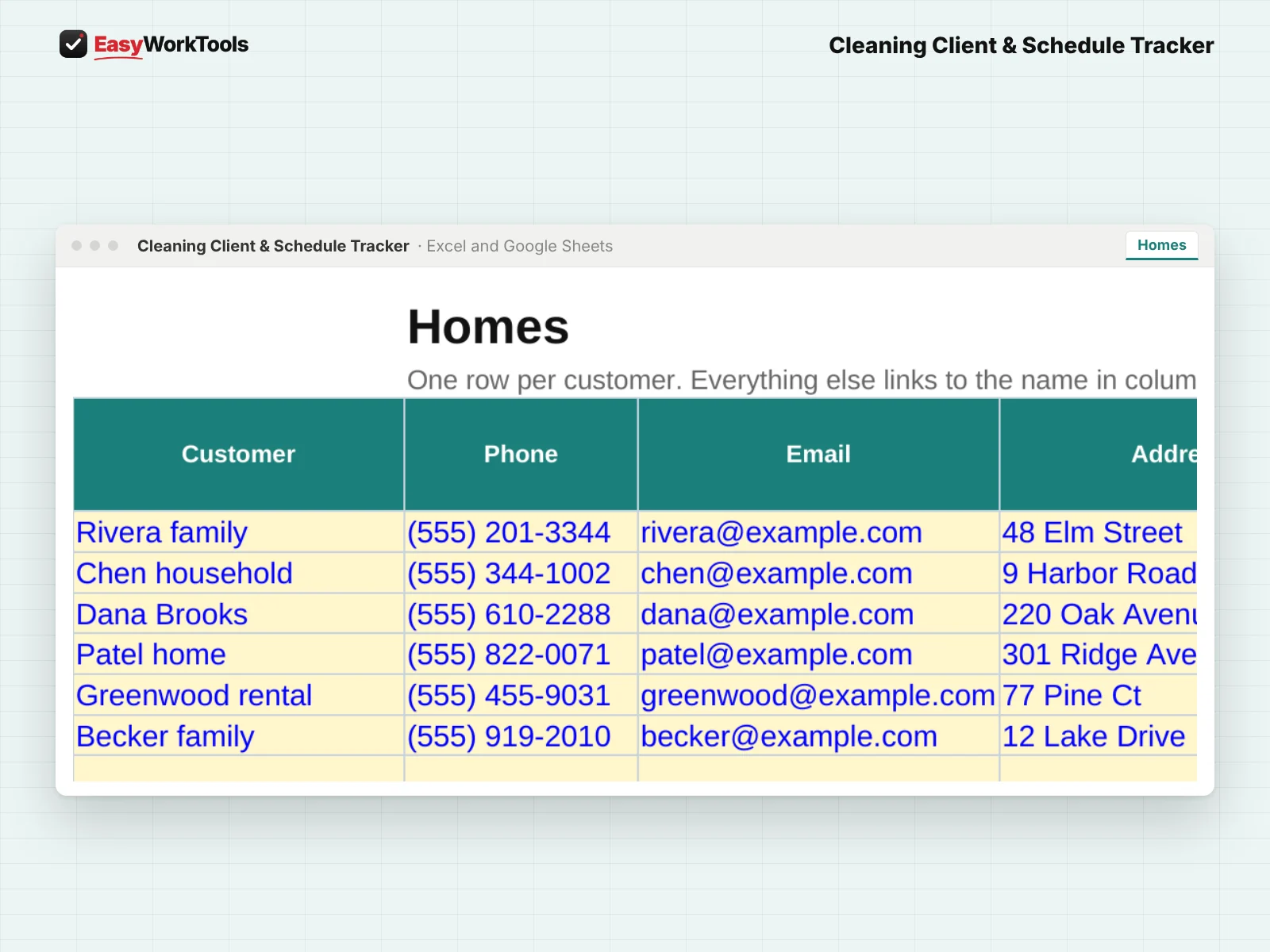
- Every home with entry notes, alarm code, pets and preferences
- Weekly, every 2 weeks, every 4 weeks or monthly schedules with next due dates
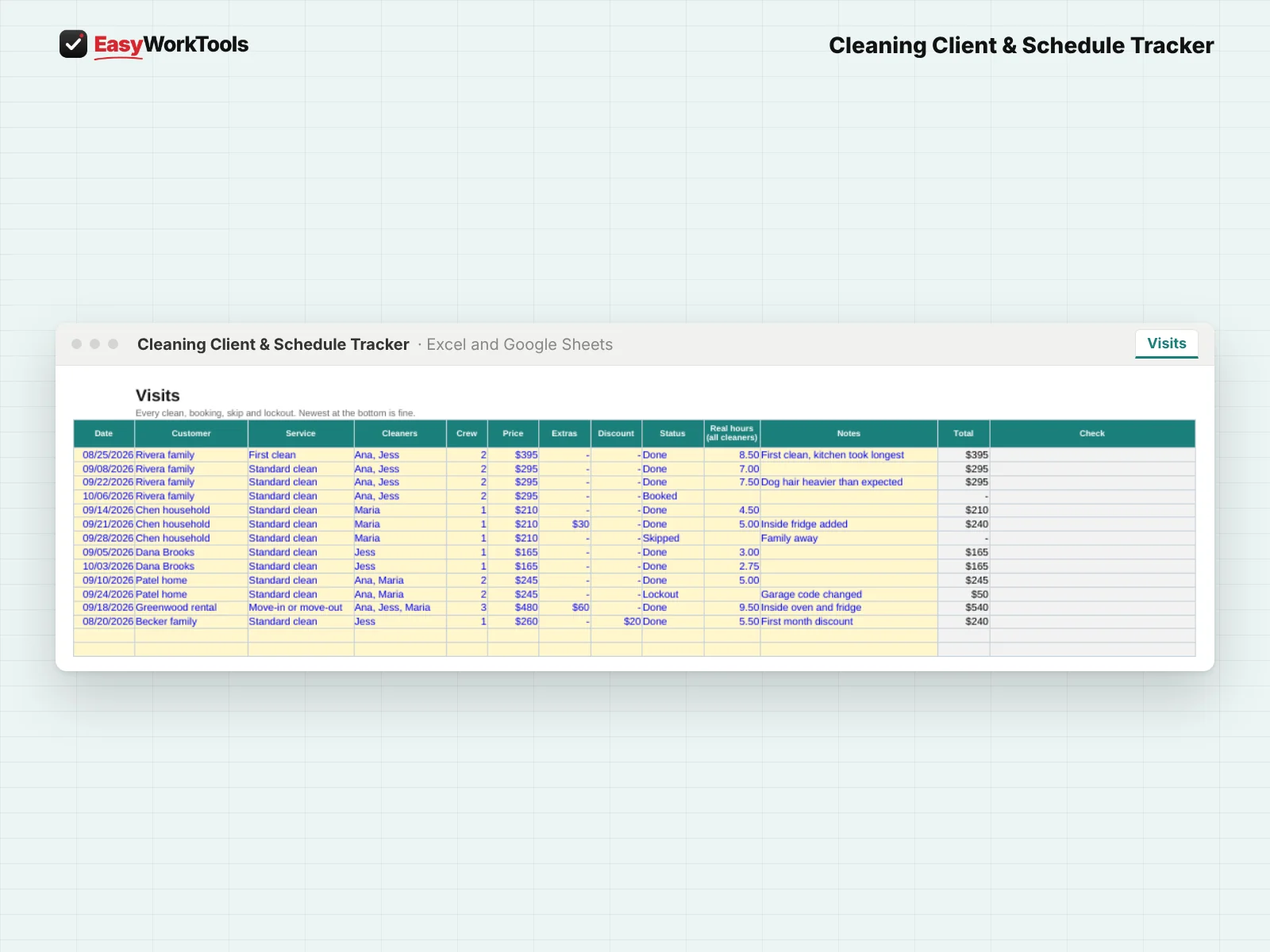
- Visit log with skipped visits, cancellations and lockout fees
- Payments kept separate, so deposits and partial payments work, with balances owed
- Quoted hours against real hours, with the price that matches the real time
- Daily Dashboard: who's due, who owes you, and homes running over
- Printable Home Card with your every-visit checklist for the crew
What's inside
7 tabs: Start Here, Dashboard, Home Card, Homes, Visits, Payments, Settings.
Who it's for
Cleaners with regular clients who want the schedule and payments straight without paying monthly for software.
What you get
Two spreadsheet files (.xlsx): one filled with examples so you can see exactly how it works, and a blank copy ready for your business. For Microsoft Excel and Google Sheets. No macros, no subscription.
The formulas are locked, so a stray keystroke can't break them. You only type in the yellow cells.
What you need to use it
- Microsoft Excel 2010 or newer, on Windows or Mac, including Microsoft 365
- Or Google Sheets in any web browser, free with a Google account
- A laptop or desktop works best for setup. Phones and tablets are fine for checking numbers and quick entries.
- No macros, add-ins or internet connection needed once it's downloaded. Apple Numbers isn't supported.
Questions
Does it take online bookings?
No. It keeps the schedule, history, money and hours that booking apps make hard to see.
Should I store alarm codes in it?
Only if your computer and account are secure. You can leave those cells blank and keep codes somewhere private.
Is there a blank version?
Yes. Every download has two files: one filled with examples so you can see how everything works, and a blank copy ready for your own business. Your rates and settings come filled in as a starting point, so change them to match yours.
Can I change the formulas?
The gray formula cells are locked so they can't be erased by accident. If you really want to change one, open Review in Excel and choose Unprotect Sheet. There's no password.
Does it work in Google Sheets?
Yes. Upload the file to Google Drive and open it with Google Sheets. Everything works the same.
How do Free Lifetime Updates work?
Whenever we release a new version, you can download it free from your account, forever. We'll email you when there's something new.