Built for lawn businesses, not crafters or office workers. It knows the difference between mower fuel and truck fuel, handles crews and contractors, and keeps up with IRS rate changes.
What the Lawn Care Mileage & Expense Tracker does
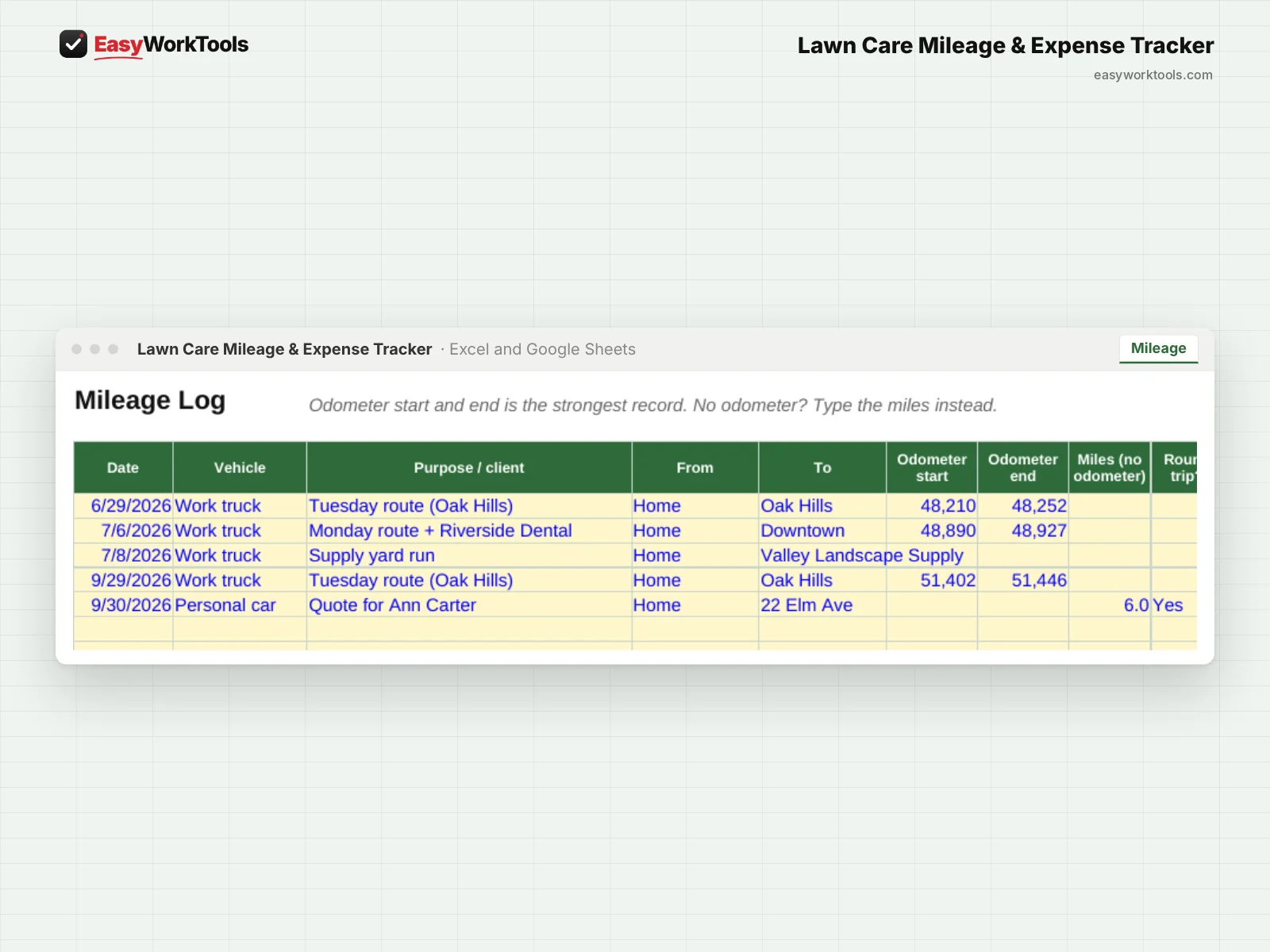
- Mileage log by odometer or miles, with saved trips for your regular routes
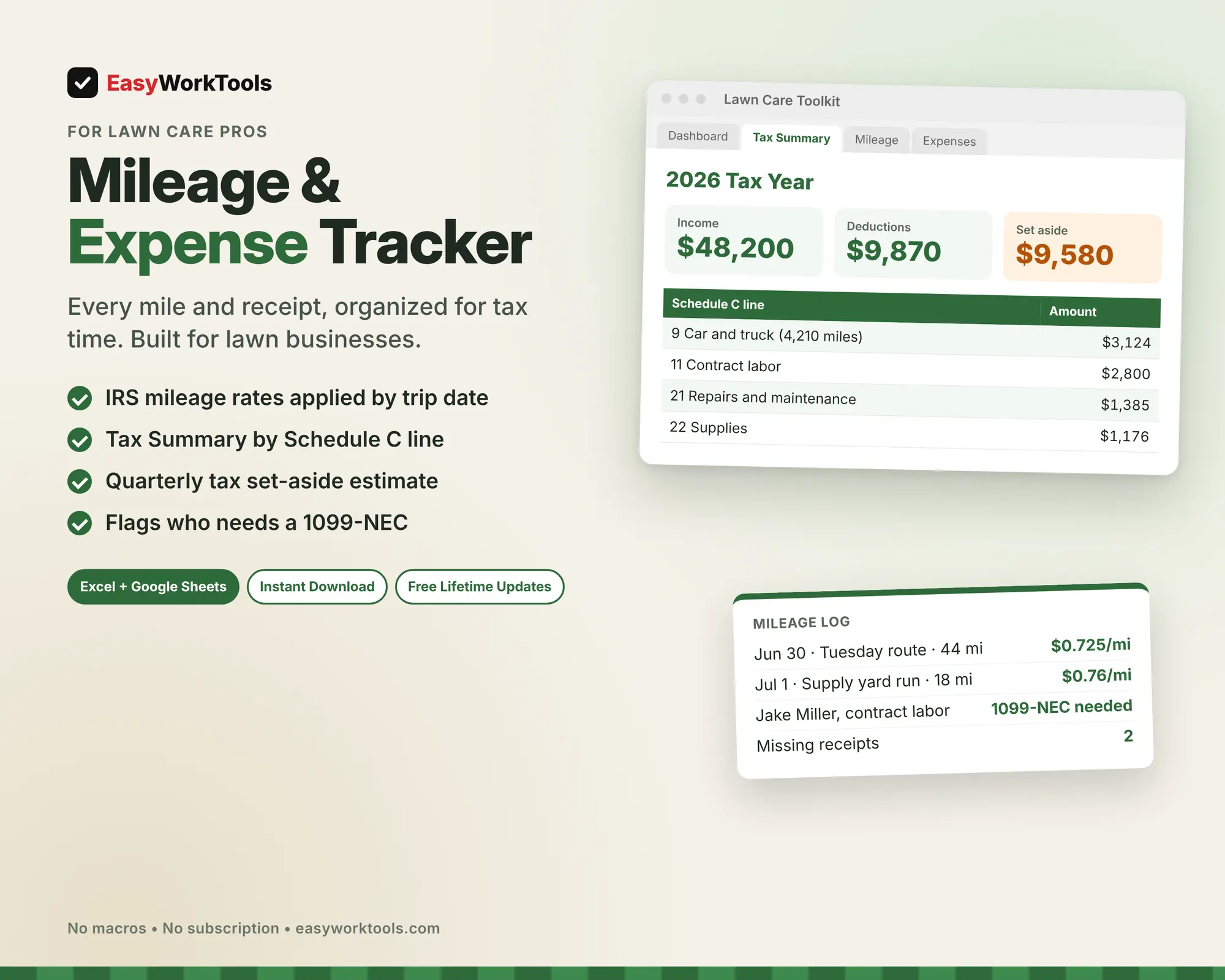
- Applies the right IRS mileage rate for each trip's date, including mid-year changes like the July 2026 increase to 76 cents
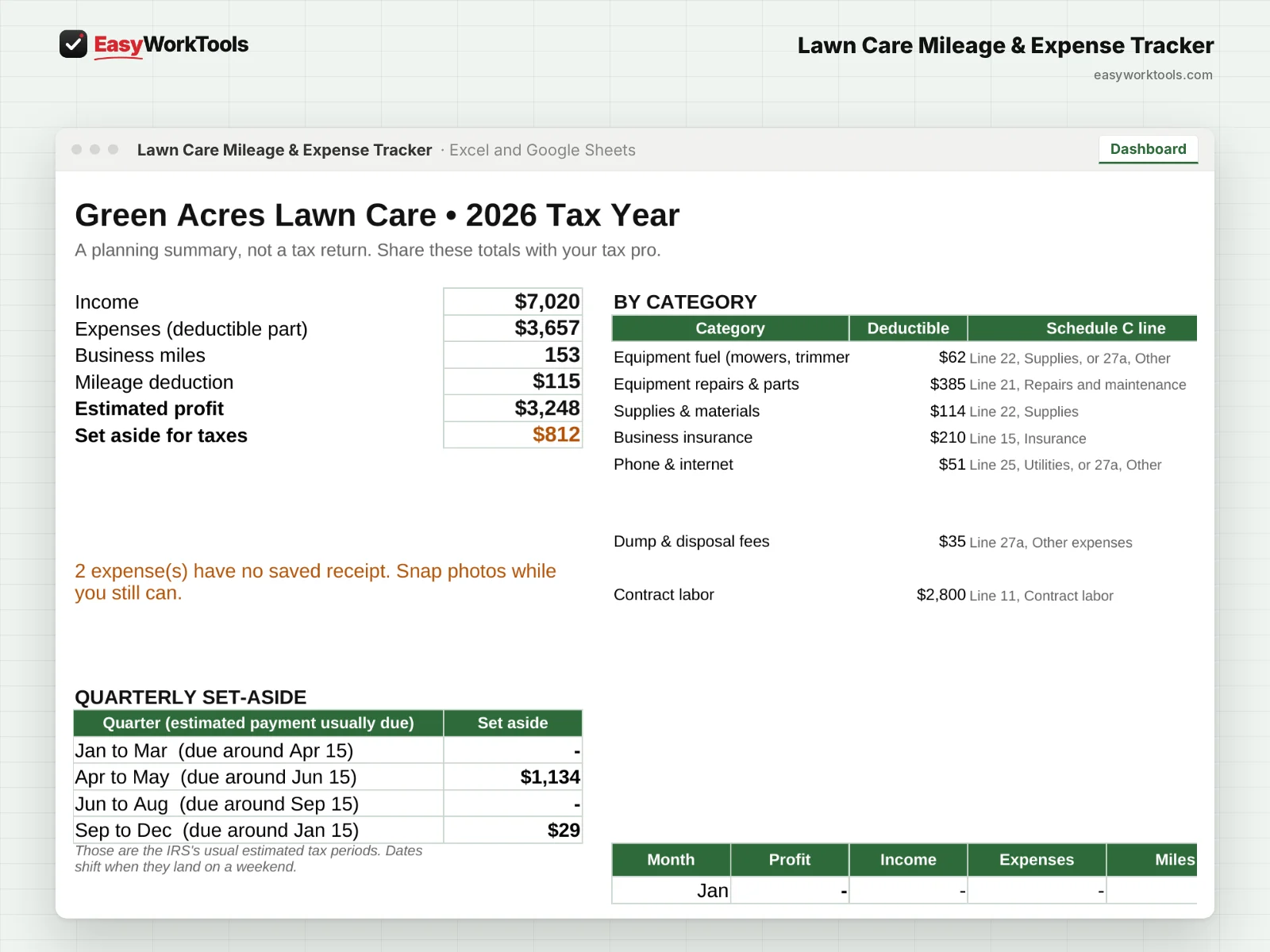
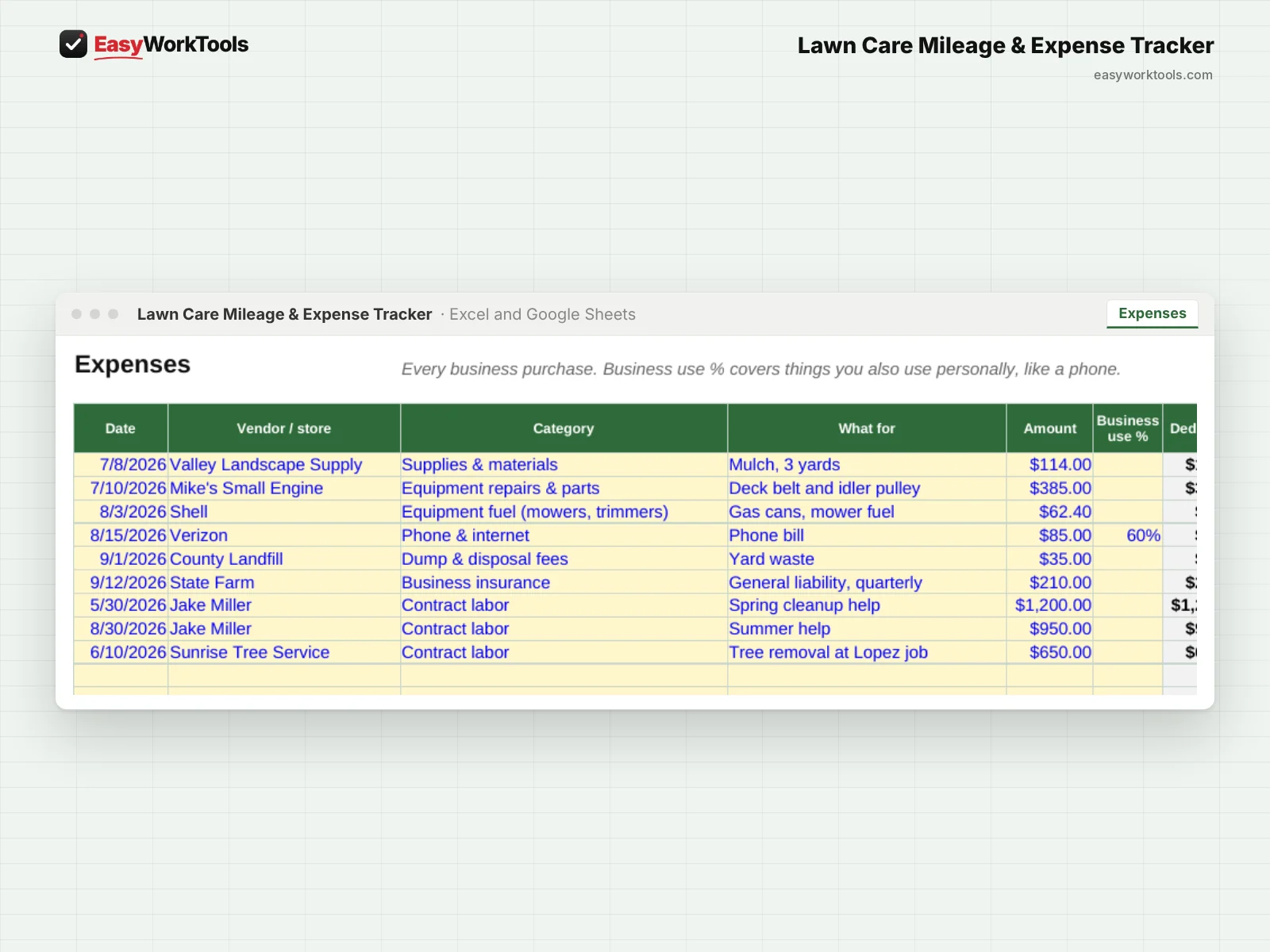
- 19 lawn-specific expense categories, each matched to its usual Schedule C line
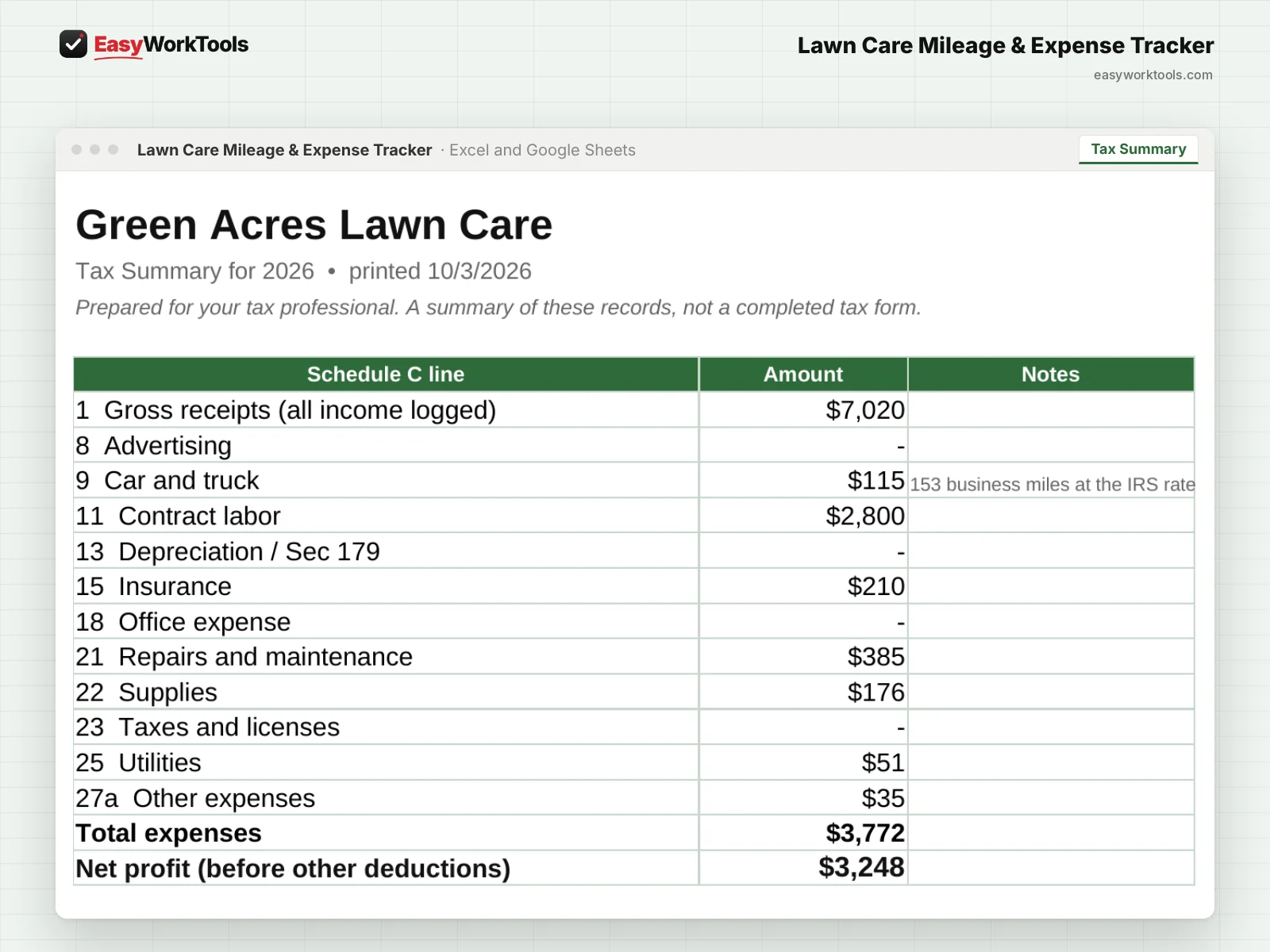
- Tax Summary tab organized by Schedule C line, ready to print for your tax pro
- Contractor tracker that flags who needs a 1099-NEC, using the $2,000 threshold for 2026 payments
- Standard mileage vs. actual costs comparison for each vehicle
- Warns you if you log both mileage and truck costs, since you can usually only take one
- Quarterly tax set-aside estimate and monthly profit
What's inside
7 tabs: Start Here, Dashboard, Tax Summary, Mileage, Expenses, Income, Settings.
Who it's for
Lawn care owners who want clean records without paying for bookkeeping software, from first-year solo mowers to crews paying helpers.
What you get
Two spreadsheet files (.xlsx): one filled with examples so you can see exactly how it works, and a blank copy ready for your business. For Microsoft Excel and Google Sheets. No macros, no subscription. Tested against 32 real-world situations.
The formulas are locked, so a stray keystroke can't break them. You only type in the yellow cells.
This is a record-keeping tool, not tax advice. The set-aside is a planning estimate. Share your totals with a tax professional before you file.
Questions
Can I use it for more than one vehicle?
Yes. Add as many as you need.
Is there a blank version?
Yes. Every download has two files: one filled with examples so you can see how everything works, and a blank copy ready for your own business. Your rates and settings come filled in as a starting point, so change them to match yours.
Can I change the formulas?
The gray formula cells are locked so they can't be erased by accident. If you really want to change one, open Review in Excel and choose Unprotect Sheet. There's no password.
Does it work in Google Sheets?
Yes. Upload the file to Google Drive and open it with Google Sheets. Everything works the same.
How do Free Lifetime Updates work?
Whenever we release a new version, you can download it free from your account, forever. We'll email you when there's something new.