Generic client trackers stop at names and phone numbers. Lawn care billing is messier than that: some clients pay per visit, some pay monthly, some prepay the season, and people start in June or cancel in August. This tracker handles all of it and keeps every balance right.
What the Lawn Care Client & Contract Tracker does
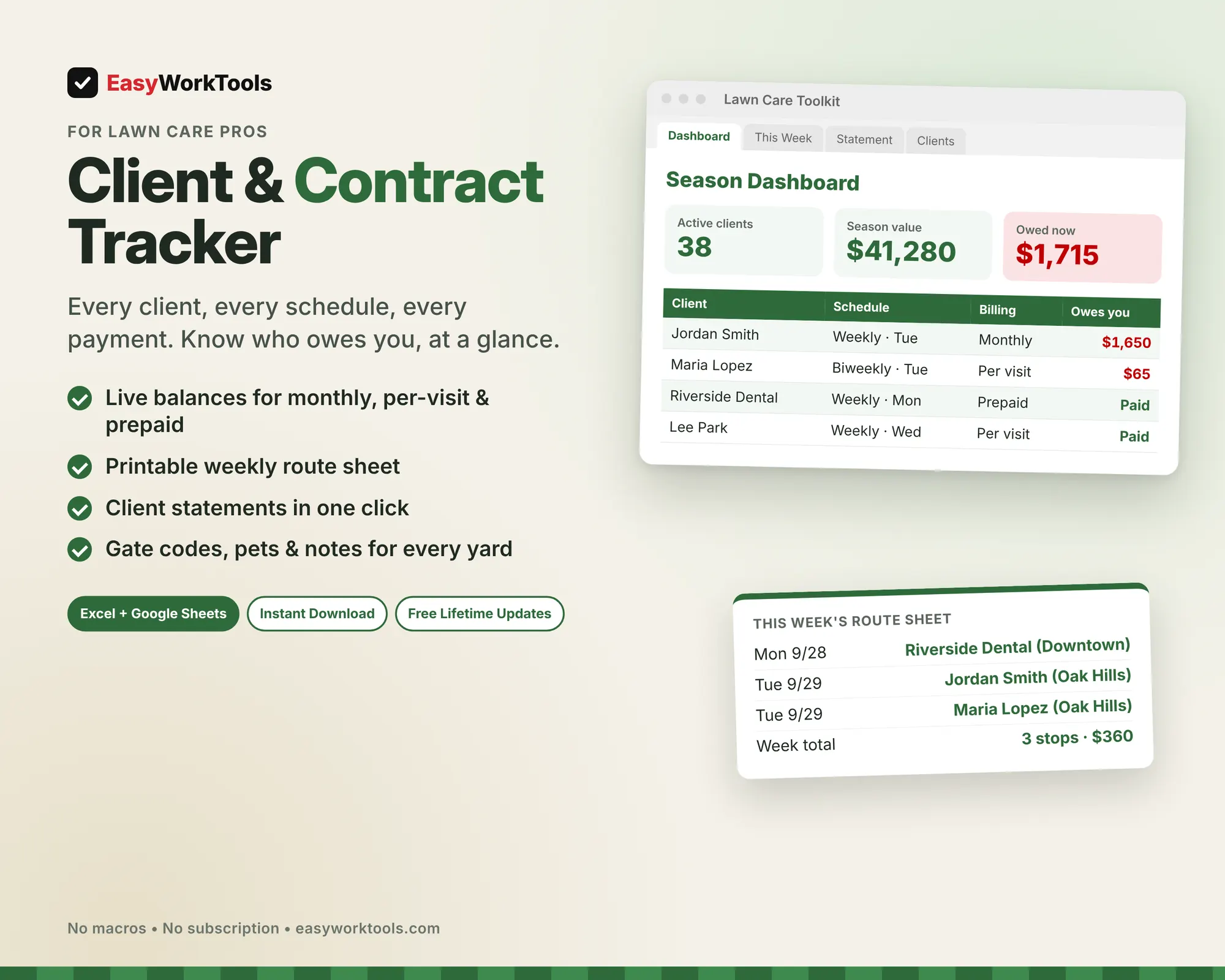
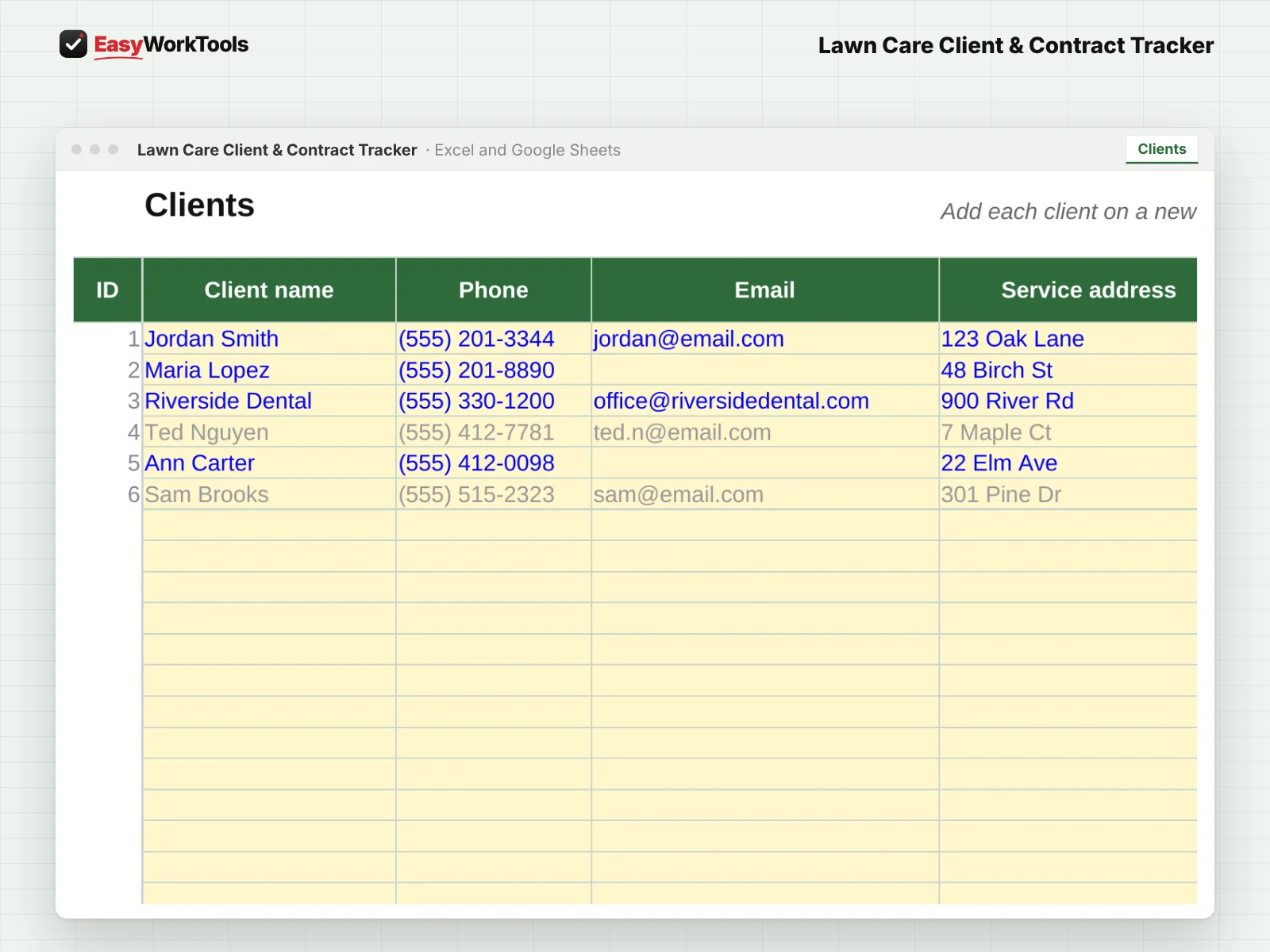
- Client list with service day, schedule, area, gate codes, pets, and notes for every yard
- Live "owes you now" balance for per-visit, monthly, and prepaid clients
- Handles mid-season starts and cancellations, so nobody is billed for months they didn't get
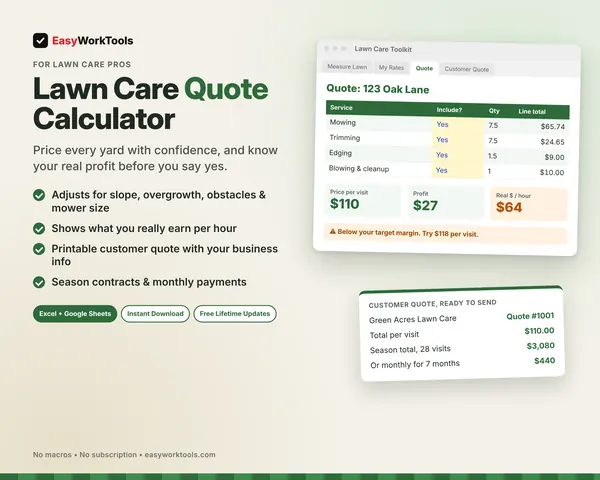
- This Week route sheet: knows which weekly, biweekly, and monthly clients are due each day
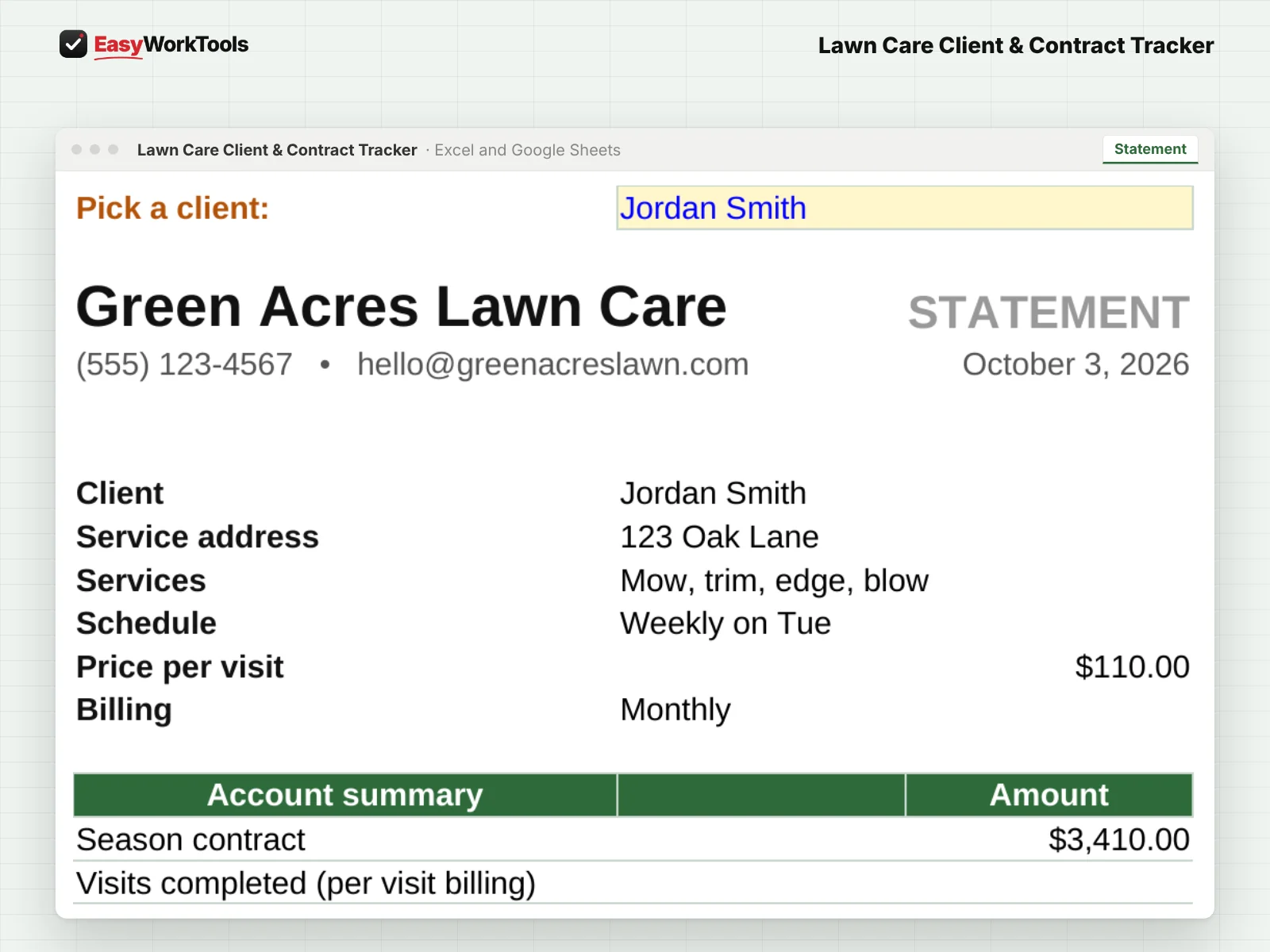
- Statement tab: pick a client and print a clean account summary in one click
- Extras tab for spring and fall cleanups, aeration, mulch, and one-off jobs
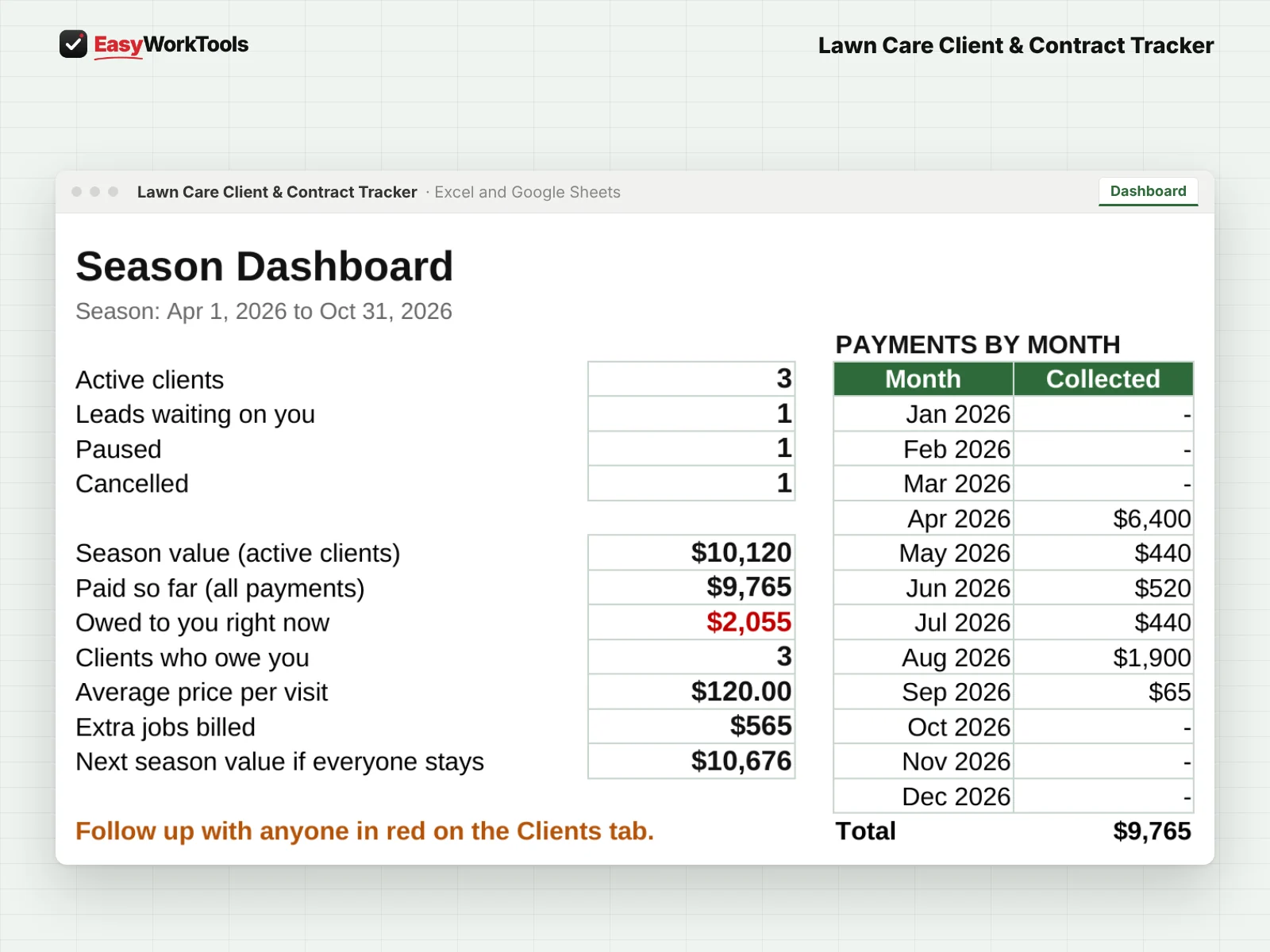
- Season dashboard with total value, payments by month, and who still owes you
- Next season price planner with your yearly raise built in
- One-click map link for every address
What's inside
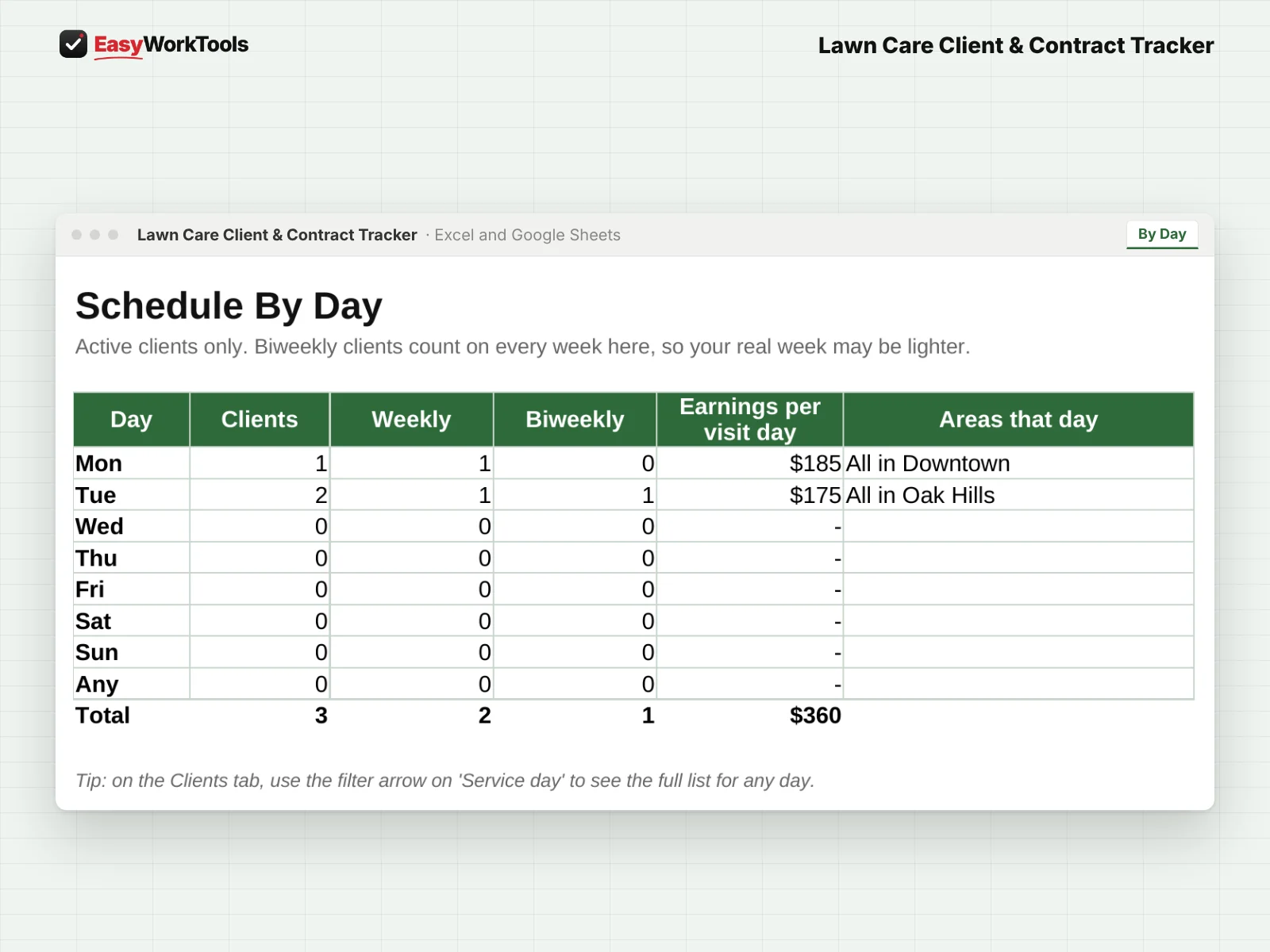
10 tabs: Start Here, Dashboard, This Week, Statement, By Day, Settings, Clients, Visits, Extras, Payments.
Who it's for
Anyone with more clients than they can keep in their head: new businesses with their first ten yards, solo operators with a full route, and crews juggling commercial accounts.
What you get
Two spreadsheet files (.xlsx): one filled with examples so you can see exactly how it works, and a blank copy ready for your business. For Microsoft Excel and Google Sheets. No macros, no subscription. Tested against 22 real-world situations.
The formulas are locked, so a stray keystroke can't break them. You only type in the yellow cells.
Questions
Can clients pay different ways?
Yes. Per visit, monthly, or prepaid season, all in the same list.
What if a client starts mid-season?
Add their start date and the tracker bills only the months and visits they actually get.
Is there a blank version?
Yes. Every download has two files: one filled with examples so you can see how everything works, and a blank copy ready for your own business. Your rates and settings come filled in as a starting point, so change them to match yours.
Can I change the formulas?
The gray formula cells are locked so they can't be erased by accident. If you really want to change one, open Review in Excel and choose Unprotect Sheet. There's no password.
Does it work in Google Sheets?
Yes. Upload the file to Google Drive and open it with Google Sheets. Everything works the same.
How do Free Lifetime Updates work?
Whenever we release a new version, you can download it free from your account, forever. We'll email you when there's something new.