

















Most lawn pricing templates just multiply square feet by a rate. Real yards don't work that way. A steep, overgrown backyard full of flower beds takes twice as long as a flat front lawn the same size. This tool adjusts for all of it, so your quotes match the actual work.
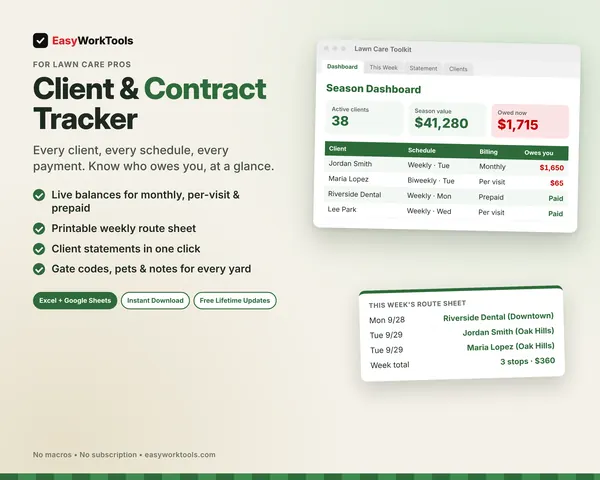
Nothing hidden here. You can read how a yard gets priced right now, tab by tab. Pair it with our client and billing tracker and both sides of the job are covered.
What the Lawn Care Quote Calculator does
- Measure Lawn tab: break any yard into rectangles, triangles, and circles, subtract beds and patios, and get the square feet automatically
- Prices 12 services plus 2 of your own: mowing, trimming, edging, blowing, leaf removal, aeration, fertilizer, weed control, hedges, mulch, bed weeding, and haul-away
- Adjusts for lawn condition, slope, obstacles, and your mower size, from a 21 inch push mower to a 72 inch zero-turn
- Counts drive time, fuel, overhead, and materials, so the profit number is honest
- Shows what you really earn per hour, drive time included
- Warns you when a quote is too low and tells you what to charge instead
- Weekly, biweekly, monthly, and one-time pricing, plus season contracts with monthly payments
- Printable customer quote with your business name, quote number, and signature line. Your costs never show on it.
- Pricing Help tab for beginners, growing businesses, and established crews
What's inside
6 tabs: Start Here, Measure Lawn, My Rates, Quote, Customer Quote, Pricing Help.
Who it's for
New mowers figuring out their first prices, solo operators with a full route, and crew owners bidding commercial properties.
What you get
Two spreadsheet files (.xlsx): one filled with examples so you can see exactly how it works, and a blank copy ready for your business. For Microsoft Excel and Google Sheets. No macros, no subscription. Tested against 12 real-world situations.
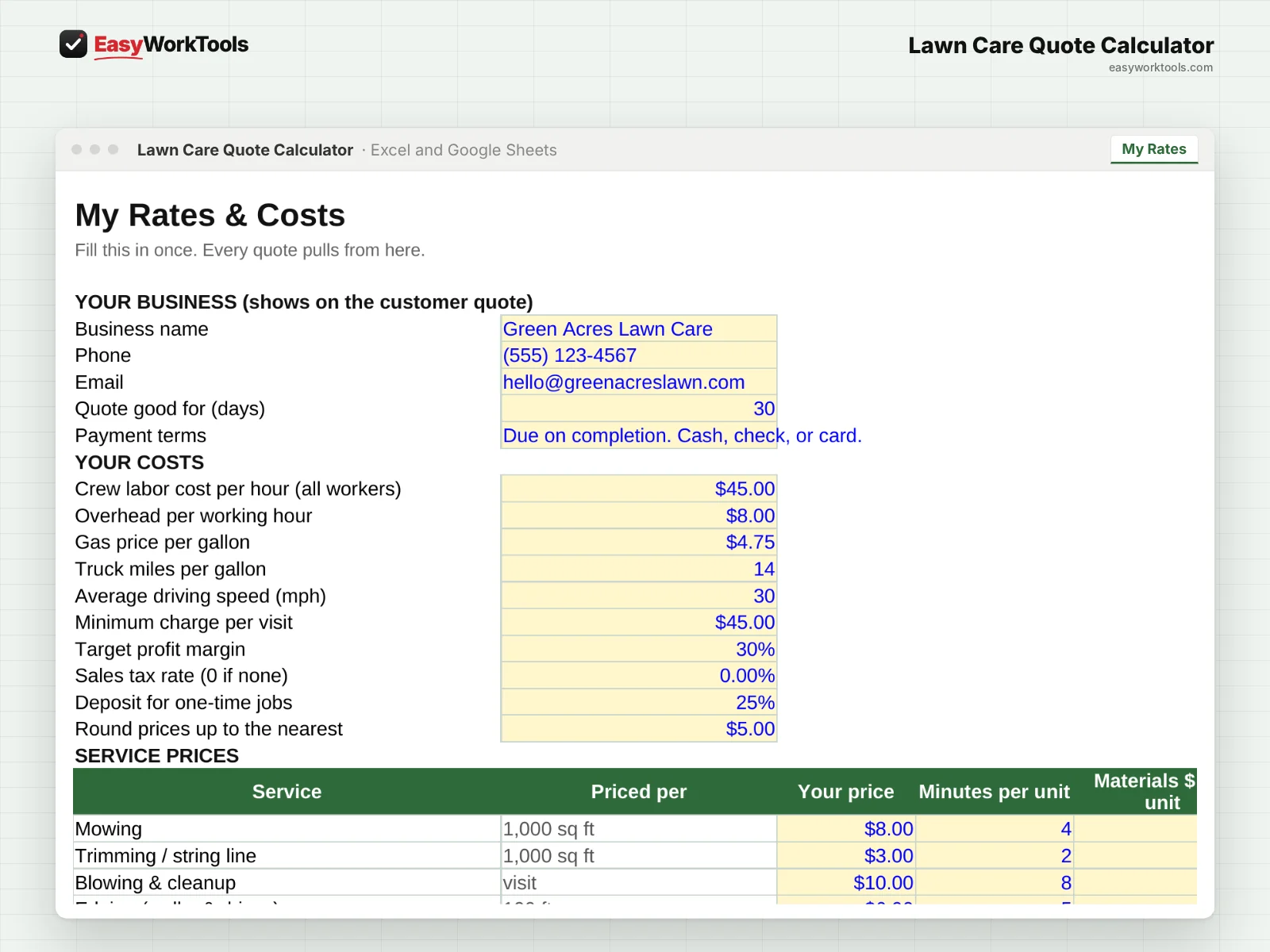
The formulas are locked, so a stray keystroke can't break them. You only type in the yellow cells.
What you need to use it
- Microsoft Excel 2010 or newer, on Windows or Mac, including Microsoft 365
- Or Google Sheets in any web browser, free with a Google account
- A laptop or desktop works best for setup. Phones and tablets are fine for checking numbers and quick entries.
- No macros, add-ins or internet connection needed once it's downloaded. Apple Numbers isn't supported.
Questions
Can I change the prices?
Yes. Every rate, cost, and adjustment is yours to set.
Does it work for commercial properties?
Yes. There's a commercial setting and room for big lots.
Is there a blank version?
Yes. Every download has two files: one filled with examples so you can see how everything works, and a blank copy ready for your own business. Your rates and settings come filled in as a starting point, so change them to match yours.
Can I change the formulas?
The gray formula cells are locked so they can't be erased by accident. If you really want to change one, open Review in Excel and choose Unprotect Sheet. There's no password.
Does it work in Google Sheets?
Yes. Upload the file to Google Drive and open it with Google Sheets. The math works the same. Locks don't carry over, so just type in the yellow cells.
How do free updates work?
Whenever we release a new version while EasyWorkTools is running, you can download it free from your account. We'll email you when there's something new. The file you download is yours to keep, and it keeps working even if we ever stop.