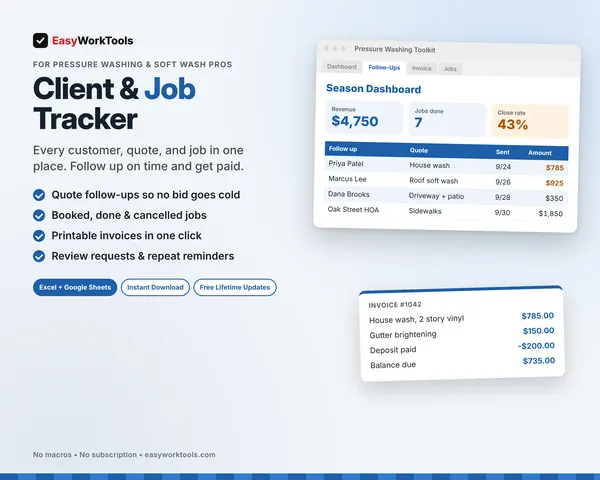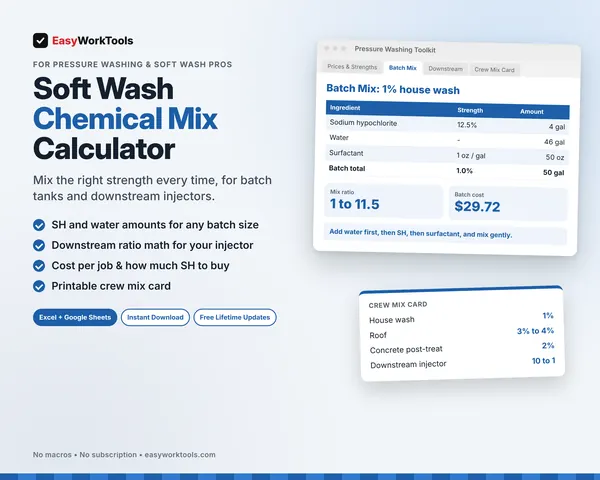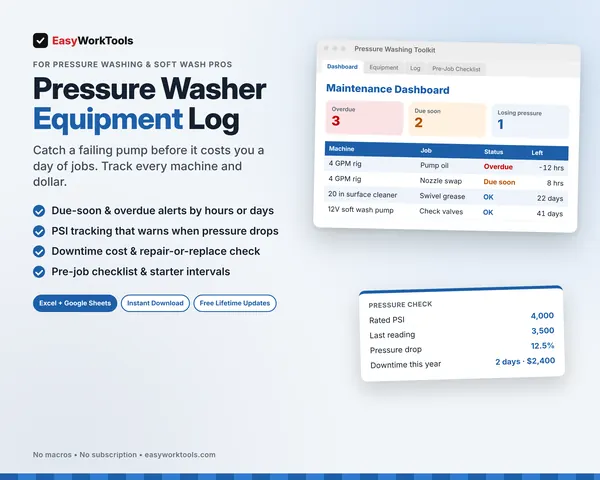
Price-per-square-foot charts ignore what actually makes a job hard: stories, roof pitch, heavy grime, your machine's GPM, and drive time. This tool builds all of it into the price, then shows your true profit and hourly rate before you send the bid.
What the Pressure Washing Quote Calculator does
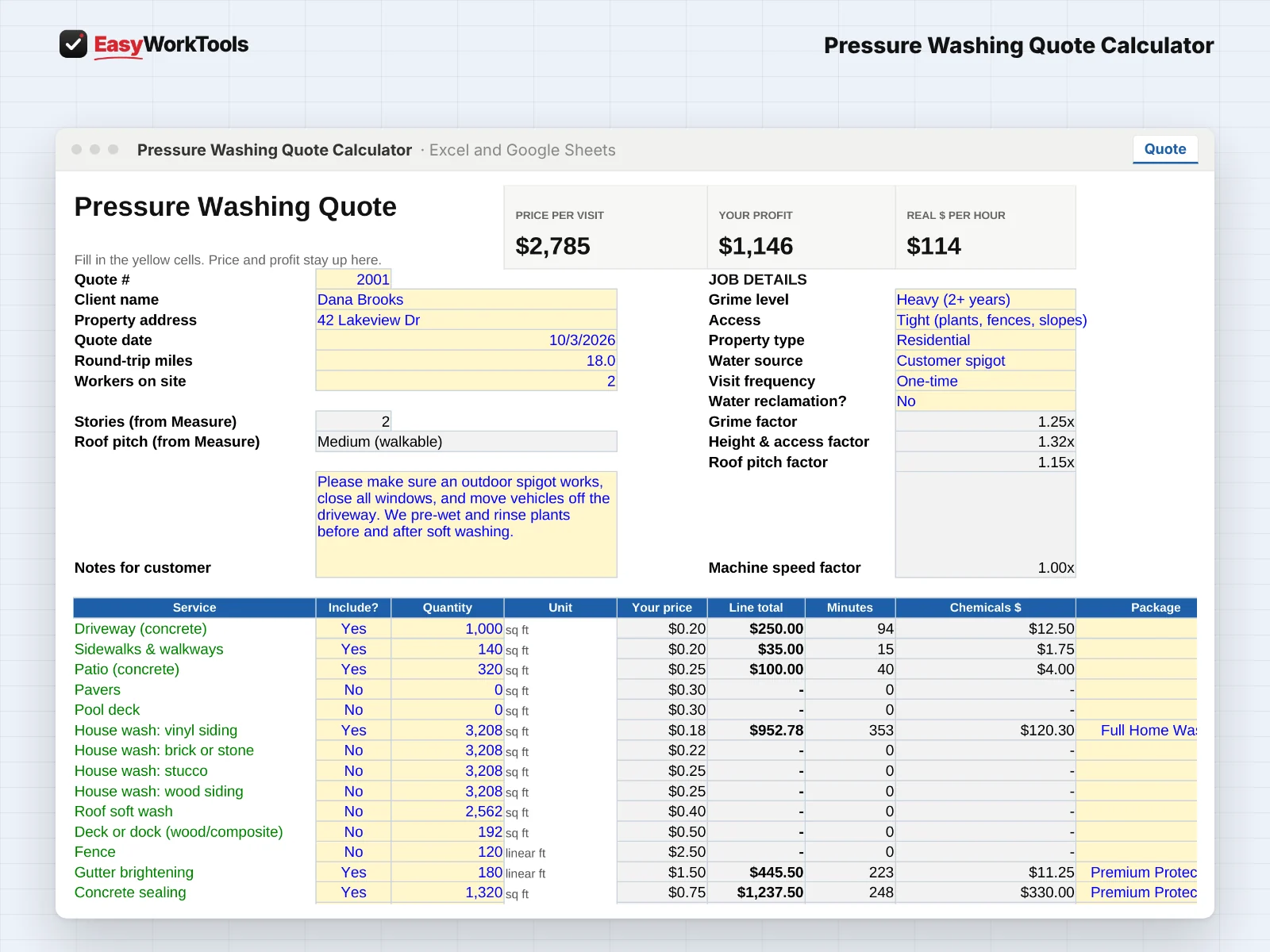
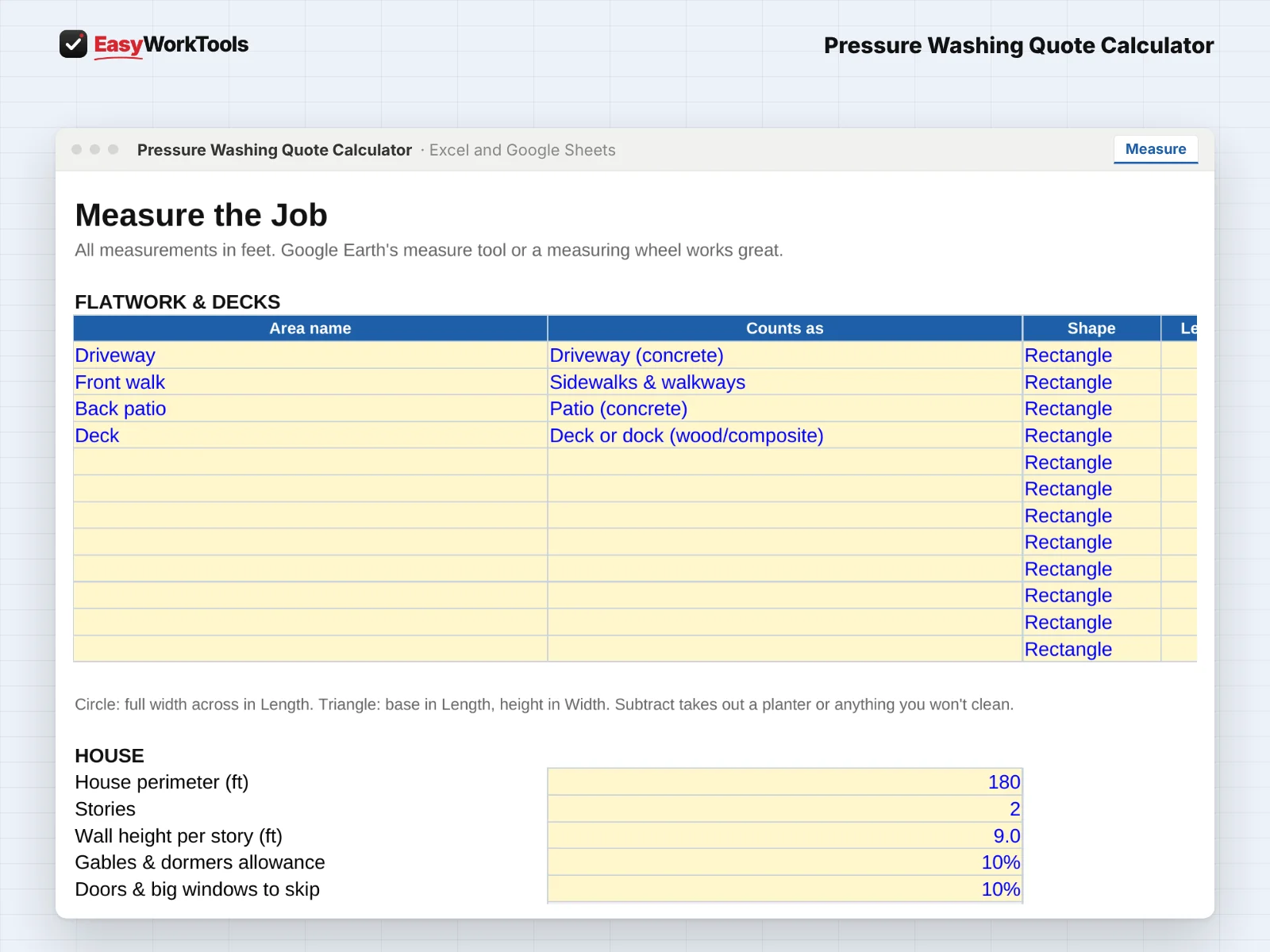
- Measure tab for flatwork, house walls, roofs, fences, decks, and gutters
- Soft wash and pressure washing priced separately, the way the work is really done
- Adjusts for stories, roof pitch, grime level, and your GPM and surface cleaner size
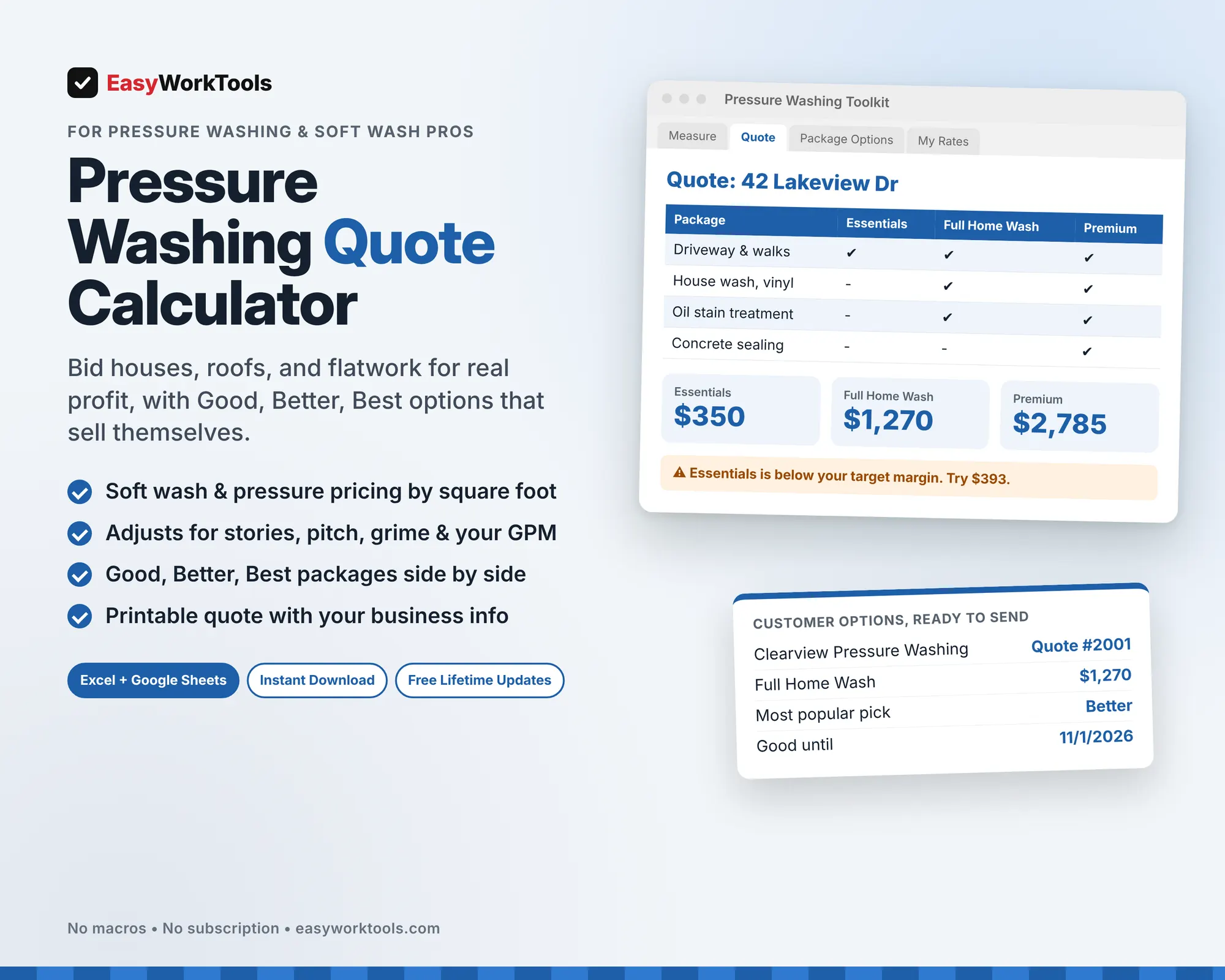
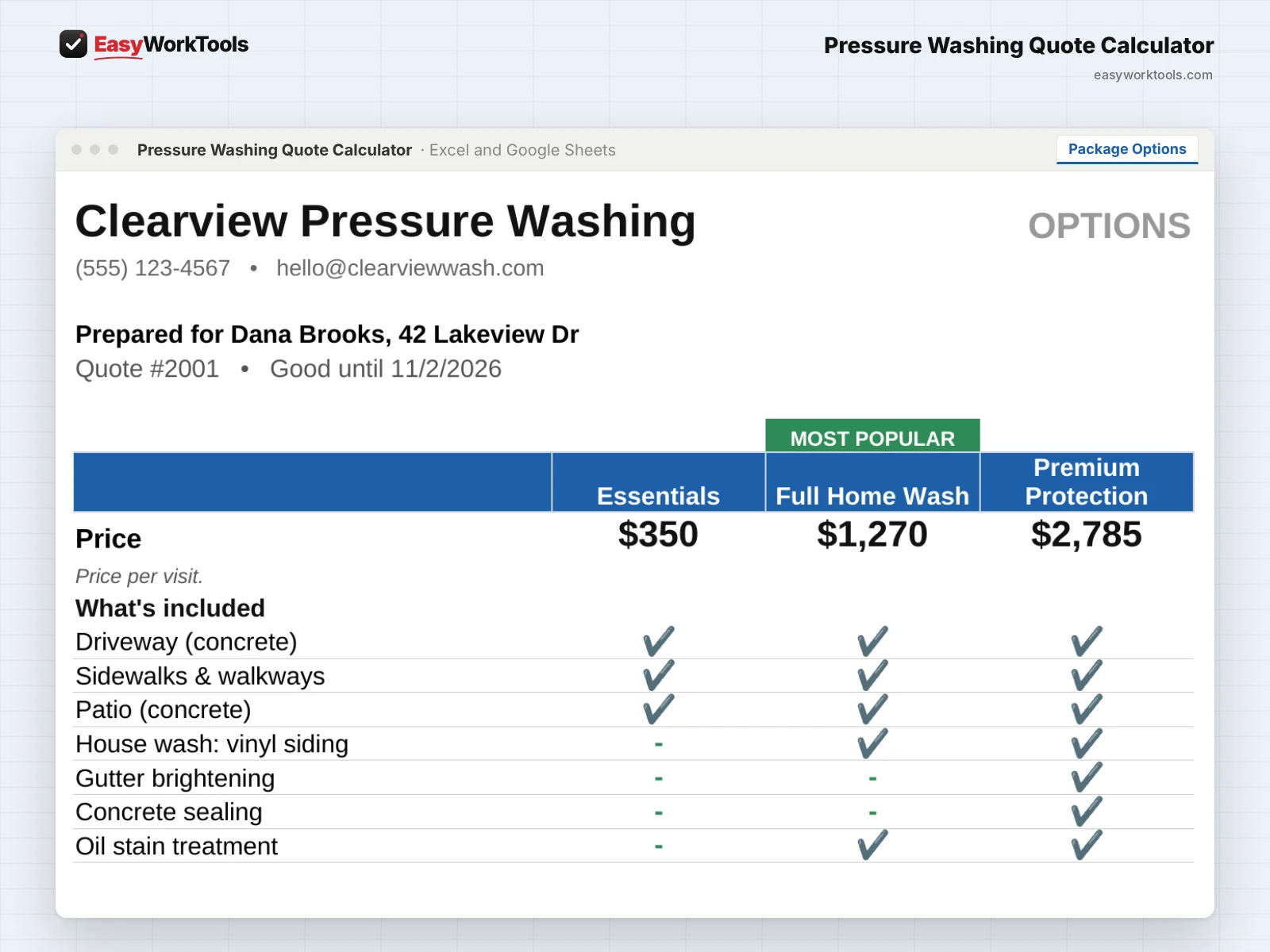
- Good, Better, Best packages side by side, with profit and margin for each
- Names any package that's below your target margin and shows the price that fixes it
- Counts chemicals, fuel, water hauling or reclamation, drive time, and overhead
- Repeat customer and maintenance plan pricing
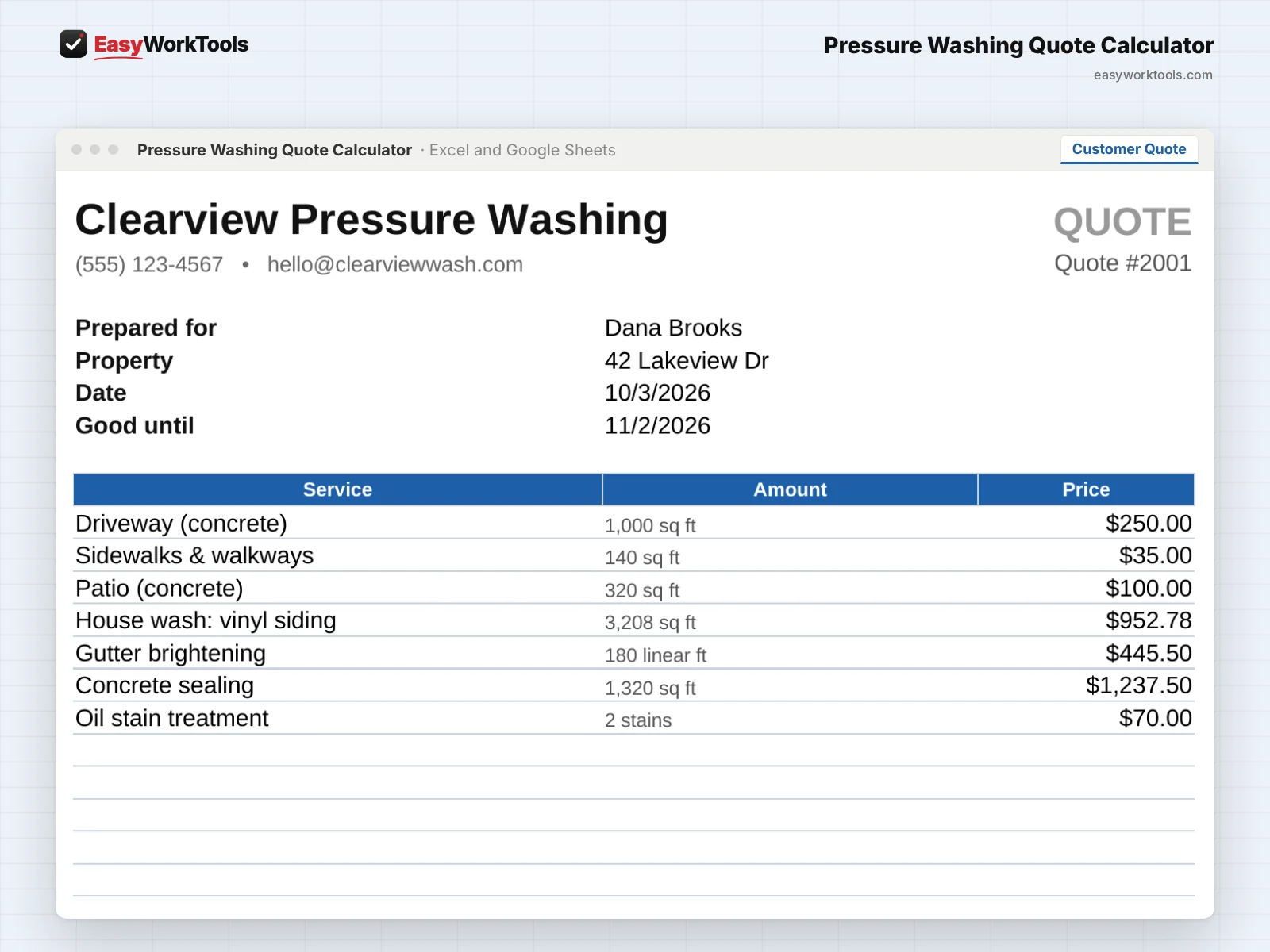
- Printable customer quote and package options page with your business info. Your costs never show.
- Pricing Help tab for new, growing, and established businesses
What's inside
7 tabs: Start Here, Measure, Quote, Customer Quote, Package Options, My Rates, Pricing Help.
Who it's for
New washers setting their first prices, solo operators booking houses and driveways, and crews bidding HOAs and commercial flatwork.
What you get
Two spreadsheet files (.xlsx): one filled with examples so you can see exactly how it works, and a blank copy ready for your business. For Microsoft Excel and Google Sheets. No macros, no subscription.
The formulas are locked, so a stray keystroke can't break them. You only type in the yellow cells.
Questions
Can I set my own rates?
Yes. Every rate, chemical cost, and adjustment lives on the My Rates tab.
Can I rename the packages?
Yes. Call them whatever fits your business.
Is there a blank version?
Yes. Every download has two files: one filled with examples so you can see how everything works, and a blank copy ready for your own business. Your rates and settings come filled in as a starting point, so change them to match yours.
Can I change the formulas?
The gray formula cells are locked so they can't be erased by accident. If you really want to change one, open Review in Excel and choose Unprotect Sheet. There's no password.
Does it work in Google Sheets?
Yes. Upload the file to Google Drive and open it with Google Sheets. Everything works the same.
How do Free Lifetime Updates work?
Whenever we release a new version, you can download it free from your account, forever. We'll email you when there's something new.